blog
my yapping
this website
in this post you'll read about how this very website is being developed!
the code
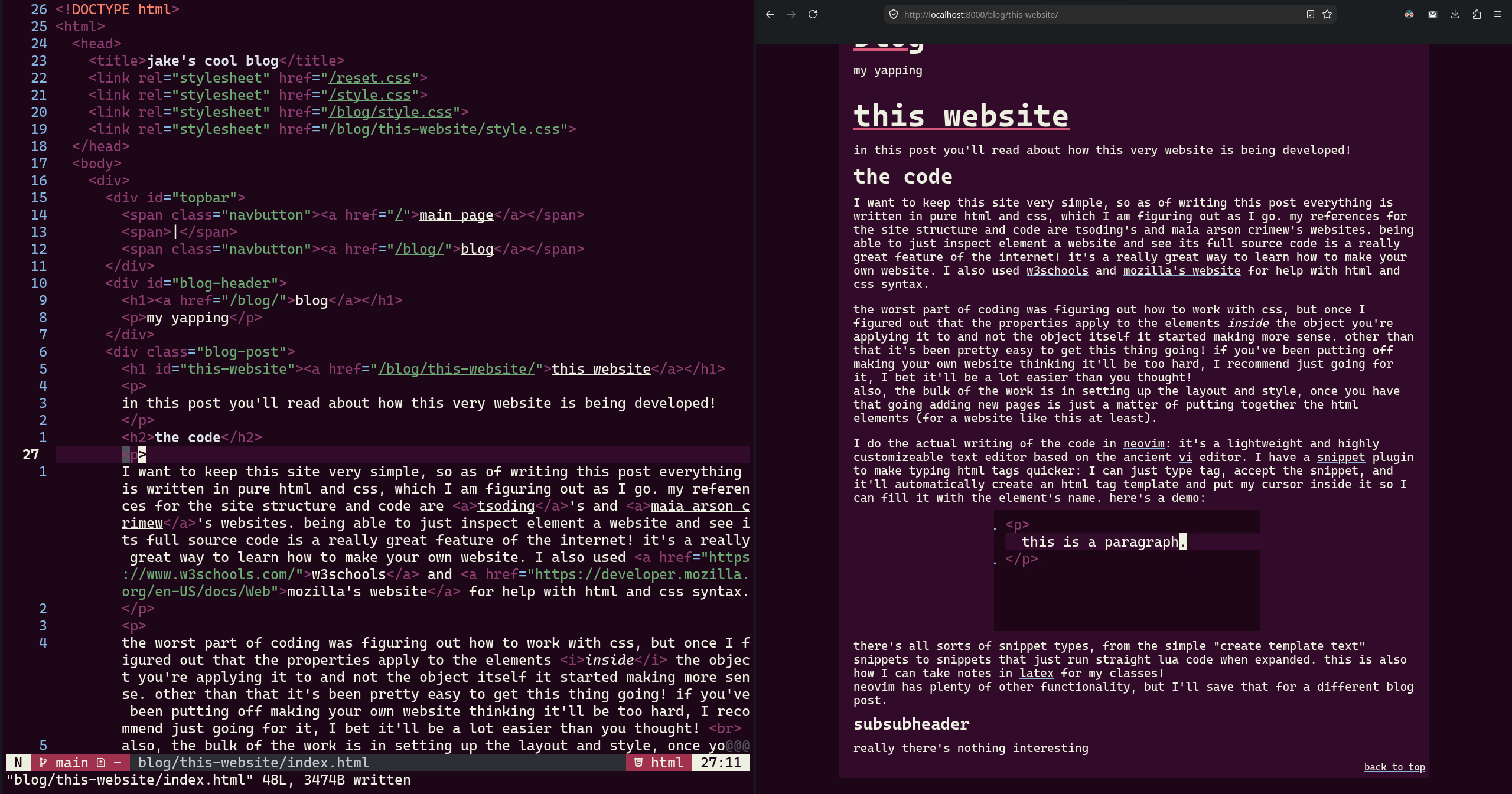
I want to keep this site very simple, so as of writing this post everything is written in pure html and css, which I am figuring out as I go. my references for the site structure and code are tsoding's and maia arson crimew's websites. being able to just inspect element a website and see its full source code is a really great feature of the internet! it's a really great way to learn how to make your own website. I also used w3schools and mozilla's website for help with html and css syntax.
the worst part of coding was figuring out how to work with css, but once I figured out that the properties apply to the elements inside the object you're applying it to and not the object itself (at least I think that's how that works) it started making more sense. other than that it's been pretty easy to get this thing going! if you've been putting off making your own website thinking it'll be too hard, I recommend just going for it, I bet it'll be a lot easier than you thought!
also, the bulk of the work is in setting up the layout and style, once you have that going adding new pages is just a matter of putting together the html elements (for a website like this at least).
I do the actual writing of the code in neovim: it's a lightweight and highly customizeable text editor based on the ancient vi editor. I have a snippet plugin to make typing html tags quicker: I can just type tag, accept the snippet, and it'll automatically create an html tag template and put my cursor inside it so I can fill it with the element's name. here's a demo:
there's all sorts of snippet types, from the simple "create template text" snippets to snippets that just run straight lua code when expanded. this is also how I can take notes in latex for my classes!
neovim has plenty of other functionality, but I'll save that for a different blog post.
tangent: css sucks
ok I know I said css is easy but I keep running into issues with it so let me rant about it
you know that image in the first paragraph with the caption under it? seems like a pretty simple thing to add right? it took me almost 2 hours to figure out how to make that work. adding the image is easy, making the text wrap around it is also pretty intuitive, just gotta add a float property to it. getting the caption on it was the nightmare. html has a <figure> element which is intended for this purpose. great! oh but now the text doesn't wrap around the figure. maybe I need to move the float property to the figure? nope that does nothing. what if I put it in a div? nope. put the text in the div too. still doesn't work. et cetera.
I ended up putting the text, image and caption inside a div with the display:flex property, which works well enough. if there's a simpler way to do this please tell me about it
edit: I figured out a way to do it with the figure element!! yay!!!
the style
the colorscheme I'm using on this website is the same colorscheme I use for my other programs, mainly neovim (as seen above) and alacritty, my terminal emulator. it's inspired by deltarune, specifically this fan illustration, which is my laptop's wallpaper. this artist's pieces make for very good backgrounds, I have another of their works as my desktop's wallpaper!
as for layout, I'm mostly just going by what I think works and taking inspiration from the 2 websites I mentioned above. I'm probably gonna add some more tabs to the topbar eventually, so stay tuned for that!
the hosting
at time of writing, I'm currently hosting the website via github pages, but I hope to eventually host it on my home server (just an old laptop). that'll probably be a while from now though, I don't know if I wanna commit to getting a domain name just yet.
that's it for this post! hope you found it entertaining and/or informative! I'd love to have inspired someone to make their own website! next time I'll be talking about my general workflow for coding, stay tuned!